The storm passed. The power came back. And now your smoke detector won’t stop chirping.
This is one of the most common — and most frustrating — smoke detector problems. The power returns, everything else in the house goes back to normal, but one or more detectors start beeping and won’t quit.
The good news: it’s almost always fixable in under five minutes. Here’s why it happens and exactly what to do.
Why Power Outages Cause Beeping
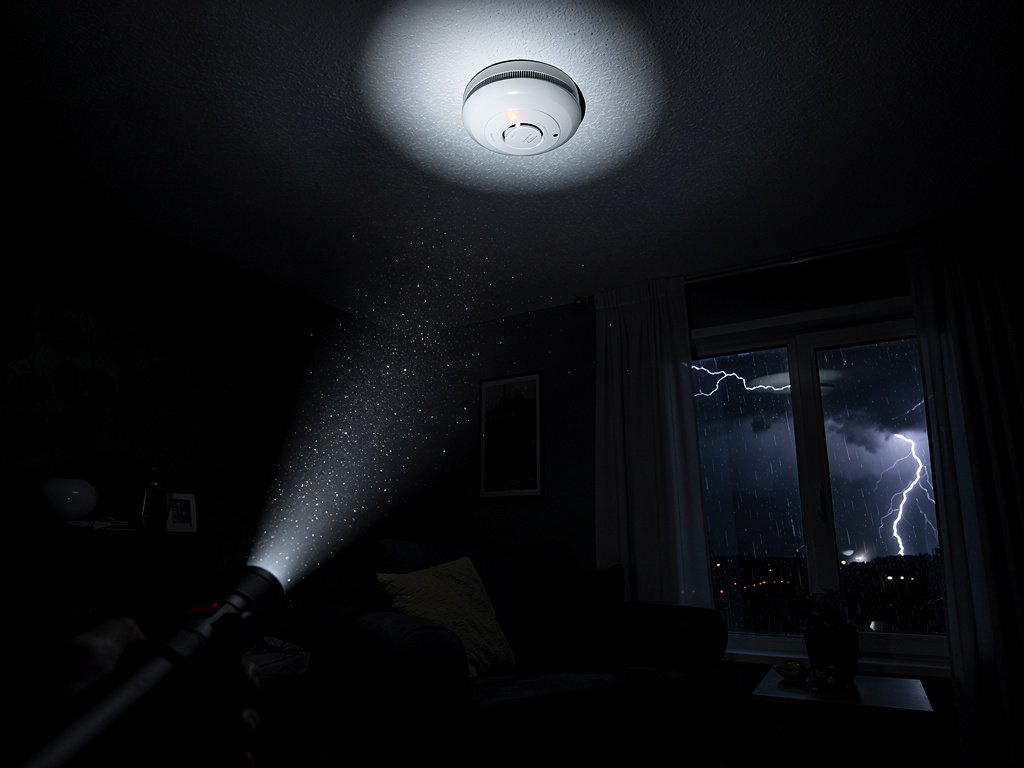
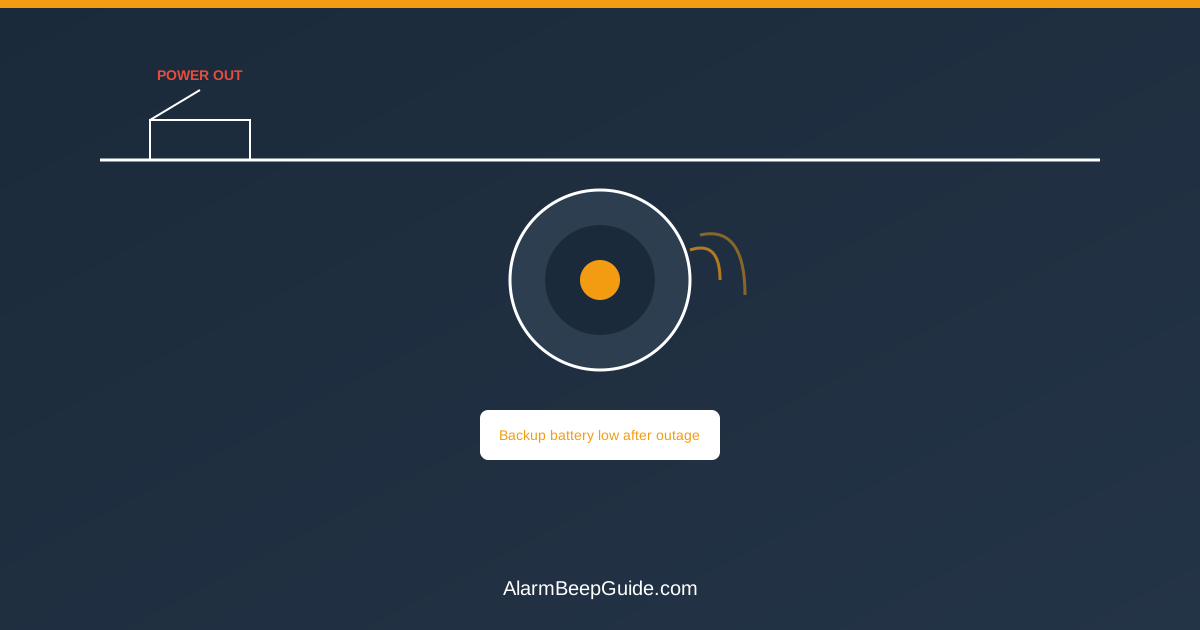
Hardwired smoke detectors have two power sources: your home’s electrical system (the primary) and a backup battery (for when the power goes out). When the power goes out, the detector switches to the backup battery. When the power returns, it switches back.
Most post-outage chirping falls into one of three causes:
1. The Backup Battery Is Low
This is by far the most common cause. If your backup battery was already weak, the power outage drained it further. When the power returns, the detector tests the backup battery and finds it’s low — so it starts chirping to warn you. The chirp means: “My backup battery is dead. If the power goes out again, I won’t work.”
2. The Power-On Reset Chirp
Some detectors emit a brief chirp or series of chirps when power is restored after an outage. This is normal — it’s the detector announcing that it’s powering back up and running a self-test. This chirp should stop within 30-60 seconds. If it continues, you have a different issue.
3. Surge Damage or Wiring Fault
Lightning strikes and power surges can damage the detector’s internal circuitry. If the detector was hit by a surge during the storm, it may chirp continuously even after the power returns and the backup battery is fine. This is less common but more serious — a surge-damaged detector may need replacement.
The 5-Minute Fix: Reset After Power Returns
Try this first. It works for about 80% of post-outage chirping:
Wait 5 minutes. Sometimes the detector just needs time to complete its power-on self-test. If the chirping stops on its own, you’re done.
If it’s still chirping after 5 minutes: Press and hold the test/reset button for 15-30 seconds. This forces the detector to run a full reset cycle. It will beep loudly during the test — that’s normal. After the test, the chirping should stop.
If it’s still chirping: The backup battery is the likely culprit. Move on to the next section.
Step-by-Step: Silencing a Post-Outage Chirp
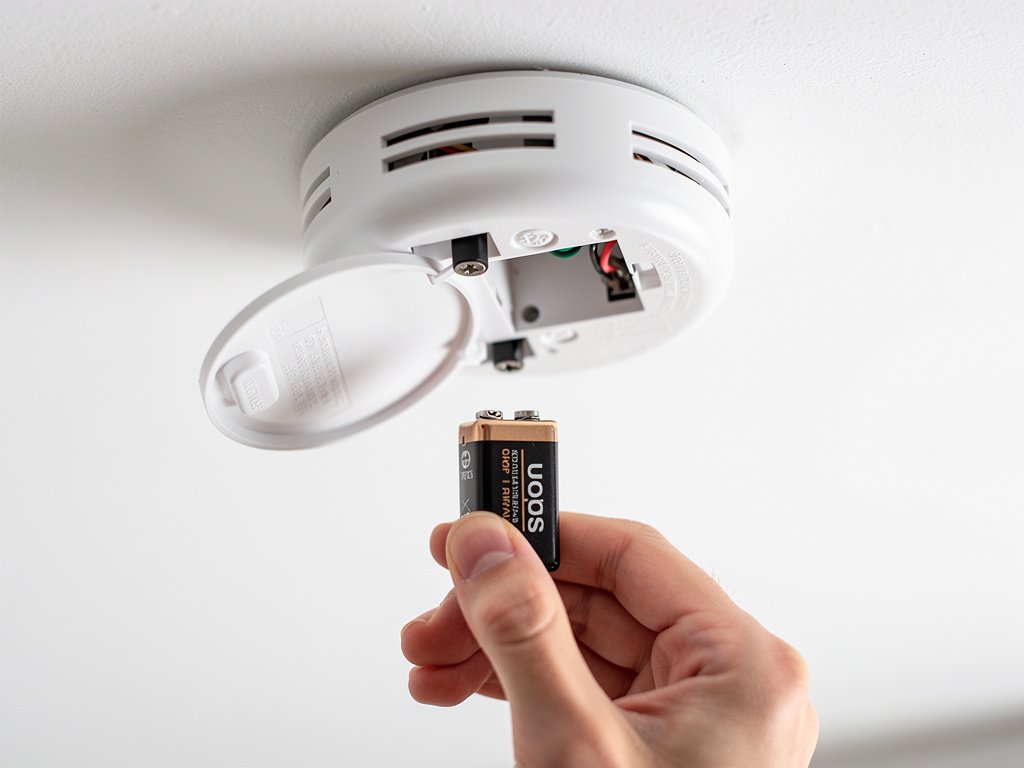
If the quick reset didn’t work, here’s the full fix:
Step 1: Identify Which Detector Is Chirping
If you have interconnected detectors, find which one is the source first. Don’t assume the chirping is coming from the nearest detector — interconnected systems can trick your ears.
Step 2: Turn Off the Circuit Breaker
Find the breaker that powers your smoke detectors (often labeled “smoke detectors” or on a shared lighting circuit). Turn it off. This is essential for safety when working with hardwired detectors.
Step 3: Remove the Detector
Twist the detector counterclockwise to remove it from the mounting plate. Disconnect the wiring harness by pulling the quick-disconnect plug apart.
Step 4: Replace the Backup Battery
Open the battery compartment and remove the old battery. Replace it with a fresh battery of the correct type:
- Most hardwired detectors use a 9V battery or AA batteries
- Some newer models use a CR123A lithium battery
- Sealed 10-year units don’t have a replaceable battery — if these chirp after an outage, the unit itself needs replacement
Use a name-brand alkaline or lithium battery. Cheap batteries can cause chirping even when new.
Step 5: Reinstall and Test
Reconnect the wiring harness, mount the detector back on the plate, and turn the breaker back on. Press the test button to confirm the detector is working. The chirping should be gone.
Step 6: Wait 24 Hours
Sometimes a new battery takes a few minutes to settle. If the detector chirps once or twice after installation but then stops, that’s normal. If it continues chirping after an hour, the detector may have a deeper fault.
When the Beeping Means Something More Serious
If you’ve replaced the backup battery and the detector is still chirping, consider these less common causes:
Surge Damage
If the outage was caused by a lightning strike or there was a known power surge, the detector’s internal circuitry may be damaged. Signs of surge damage include:
- The detector chirps even with a brand-new battery
- The LED light doesn’t flash at all
- The test button doesn’t produce a full alarm sound
- You smell a faint burning odor from the detector
- The detector cycles through power on its own (briefly beeps, goes silent, then beeps again)
A surge-damaged detector needs to be replaced. Don’t attempt to repair internal electronics. The detector may appear to work after a battery change, but the internal circuitry that processes smoke and CO signals may be compromised. Replace it — a new detector costs $20-40, while a failed detector during a fire costs everything.
Water Intrusion
If the storm that caused the outage involved roof leaks or flooding, water may have entered the detector. Water in the sensor chamber causes false alarms, chirping, and can permanently damage the unit. If you see water stains on or near the detector, replace it.
Wiring Damage
Severe storms can damage electrical wiring in the walls. If the detector chirps and the breaker keeps tripping, you may have a wiring fault that requires an electrician. Don’t ignore a repeatedly tripping breaker — it indicates a short circuit. Other signs of wiring damage include:
- The detector works on battery but not on AC power (it chirps whenever the battery is removed even though the breaker is on)
- Multiple detectors on the same circuit chirp simultaneously
- Lights on the same circuit flicker
- You hear buzzing or humming from the electrical panel
If you suspect wiring damage, contact a licensed electrician. Don’t attempt to diagnose or repair wiring issues yourself unless you have electrical experience. Faulty wiring is a fire hazard independent of your smoke detector issues.
How to Prevent Post-Outage Chirping in the Future
Once you’ve fixed the current chirping, take these steps to prevent it from happening during the next outage:
Replace Backup Batteries Annually
The backup battery is the #1 cause of post-outage chirping. Replace it once a year — many people do this when they change clocks for daylight saving time. Fresh backup batteries prevent chirping after outages and ensure your detectors work during power failures.
Pick a date that’s easy to remember and stick to it. The most common schedule is the daylight saving time changes (spring and fall). Even if you have long-life lithium backup batteries, test them after a major outage to make sure they’re still holding a charge.
Consider Sealed 10-Year Detectors
If you’re tired of replacing batteries, consider upgrading to sealed 10-year battery detectors. These have a built-in lithium battery that lasts the entire 10-year life of the detector. No more battery changes, and no more post-outage chirping from low backup batteries. When they reach end of life, you replace the entire unit.
Sealed detectors are also required by law in some states — California, Oregon, and Maryland now mandate 10-year sealed battery smoke alarms in residential properties. See our guide on smoke detector laws by state to check if your state requires them.
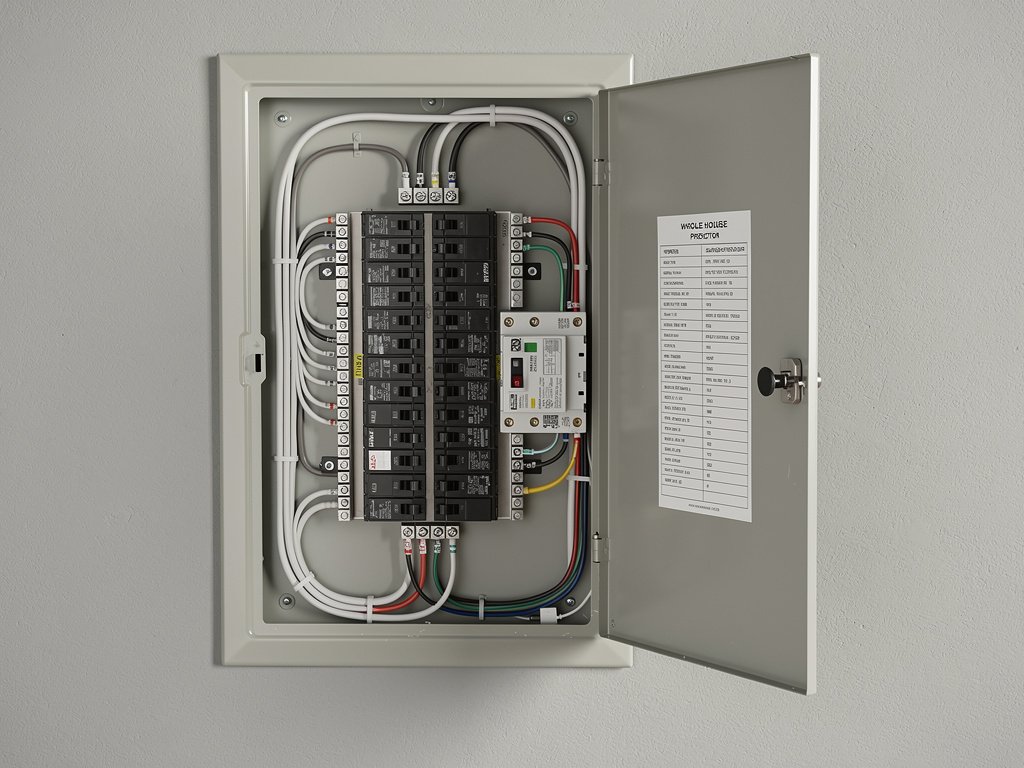
Install Surge Protection
A whole-house surge protector installed at your electrical panel can protect your smoke detectors (and all your electronics) from lightning-related surge damage. This is a one-time investment that pays off during storm season.
Test After Every Outage
After a power outage, press the test button on each detector once power is restored. This confirms the detector survived the outage and is functioning properly. If the test fails, you know immediately that something is wrong — rather than discovering it at 2 a.m. when it starts chirping.
Generator and Backup Power Considerations
If you have a generator or backup power system, there are a few additional things to know:
Transfer switch delays: When your generator kicks in, there’s a brief power interruption. This can trigger the power-on reset chirp on hardwired detectors. It should stop within a minute.
Voltage fluctuations: Some generators produce “dirty” power that can cause detectors to chirp or behave erratically. If your detectors only chirp when running on generator power, the generator may need a voltage regulator or inverter.
Battery backup systems (UPS): If you have a UPS for your computer, don’t plug smoke detectors into it. Smoke detectors should be on their own dedicated circuit. A UPS can actually cause chirping by creating a “double conversion” — the detector sees the UPS battery as the primary power and gets confused about which power source to monitor.
Solar power systems: If you have solar panels with battery backup, the transition between grid power, solar power, and battery backup can cause brief power interruptions that trigger chirping. This is usually resolved by ensuring your smoke detectors are on a circuit that doesn’t switch between power sources.
FAQ
Why does my smoke detector chirp only after a power outage? The most likely cause is a low backup battery. During the outage, the detector ran on its backup battery. When the power returned, the detector tested the battery and found it was low. Replace the backup battery to fix the chirping.
Is a chirping smoke detector after a storm dangerous? The chirping itself isn’t dangerous, but it means your backup battery is low. If another outage happens, the detector may not work. Fix it as soon as possible.
Can a power surge destroy a smoke detector? Yes. A direct or nearby lightning strike can send a surge through your electrical system that damages the detector’s circuitry. If the detector chirps even after a battery replacement and doesn’t respond to the test button, it’s likely surge-damaged and needs replacement.
Do battery-powered smoke detectors chirp after a power outage? No — battery-powered detectors don’t connect to your electrical system, so a power outage doesn’t affect them. If a battery-powered detector is chirping, it’s a low battery or end-of-life warning, not related to the outage.
How long do backup batteries last in hardwired smoke detectors? Standard 9V backup batteries last 1-2 years. Lithium backup batteries can last 3-5 years. Sealed 10-year detectors don’t need battery replacement at all. See our guide on how often to replace smoke detectors for a full maintenance timeline.
My detector chirps after every storm — is that normal? If it chirps after every outage, your backup battery is likely at the end of its life and gets drained during each outage. Replace it with a fresh battery. If it still chirps after every outage with a new battery, the detector may be old enough that the battery charging circuit is failing — consider replacing the unit.
Will a power outage reset my smoke detector’s settings? No. Smoke detectors don’t have configurable settings that can be lost during a power outage. The detector’s sensitivity, alarm pattern, and interconnect settings are hardwired. However, if you have a Nest Protect or other smart detector, it may need to reconnect to your Wi-Fi after an extended outage.
Peace and Quiet After the Storm
Post-outage chirping is almost always a backup battery problem. Replace the battery, press reset, and you should be back to silence within five minutes. The key is to act quickly — don’t let the chirping continue for days, because the backup battery is what keeps your family safe during the next outage.
If you’re going through batteries frequently or if your detectors are more than 10 years old, it’s time to replace the detectors entirely. New sealed 10-year units eliminate the battery problem permanently and are surprisingly affordable.