If you own a Nest Protect — or you were thinking about buying one — you’ve probably heard the news: Google has discontinued it. The smart smoke and carbon monoxide detector that many homeowners trusted for phone alerts, self-tests, and that reassuring green glow at night is no longer being manufactured.
So what does that actually mean for you? Do you need to rip it off your ceiling today? Is it still safe to use? And if it’s time to replace it, what’s the best option in 2026?
Let’s walk through everything you need to know.
What Happened to Nest Protect?
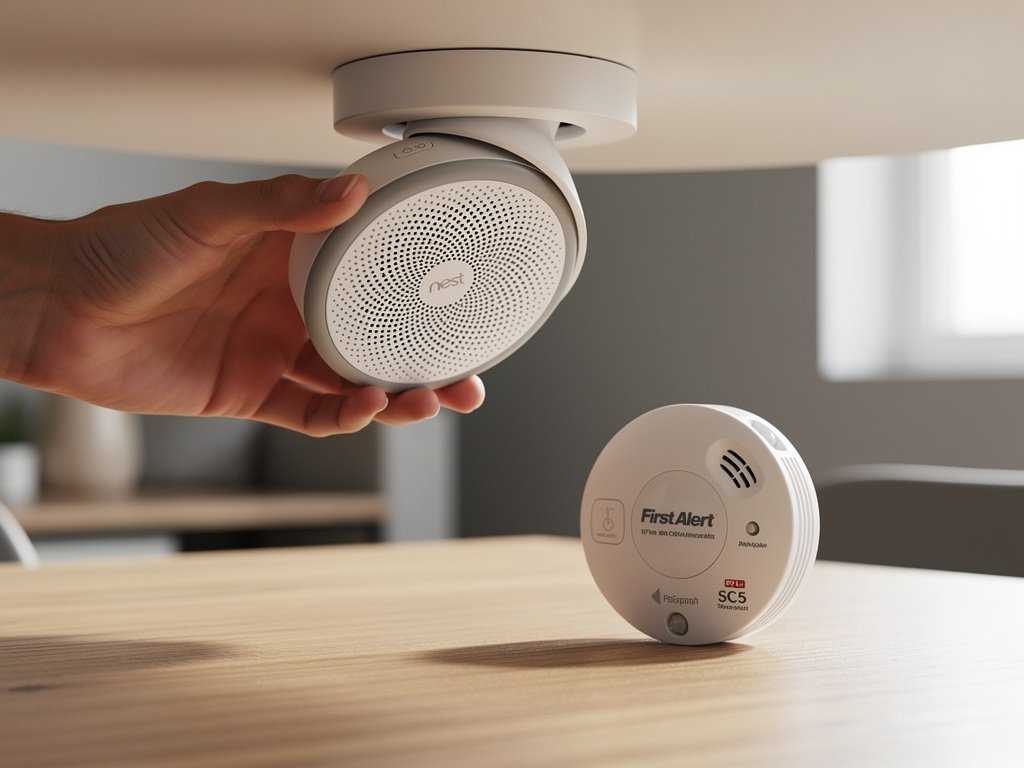
Nest Protect is being discontinued — here’s what to replace it with
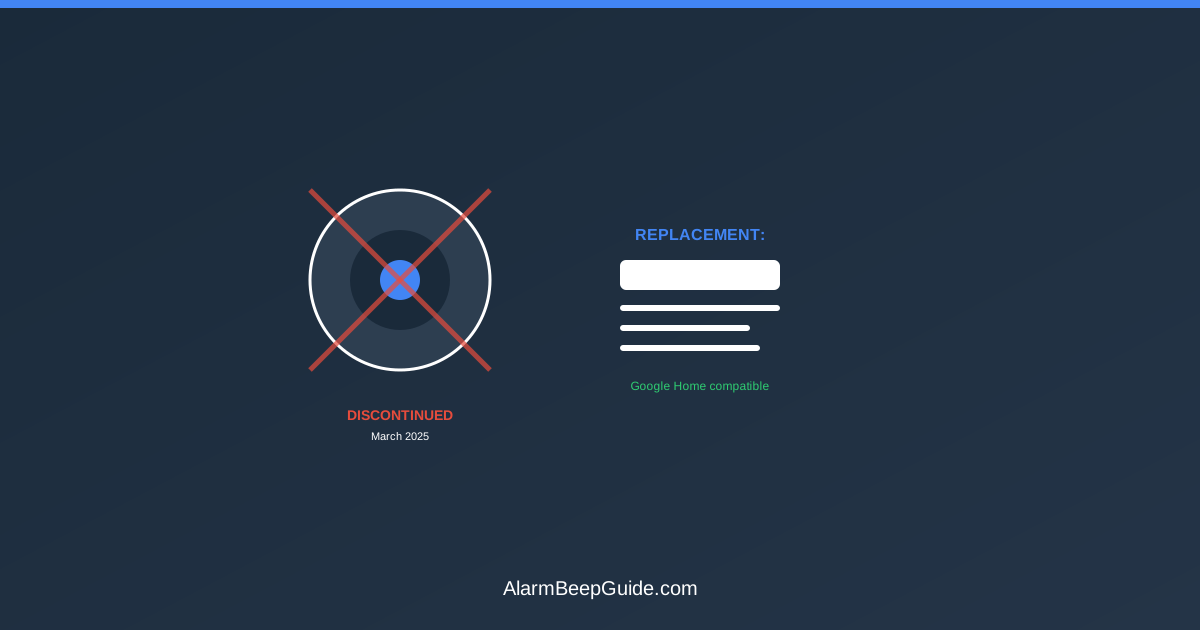
Google officially stopped producing the Nest Protect in March 2025. The company didn’t issue a dramatic press release — the product simply disappeared from the Google Store, and retailers stopped receiving new inventory. Google then partnered with First Alert to develop the SC5 Smart Smoke & Carbon Monoxide Alarm as a compatible replacement.
Here’s the timeline:
- 2013: Nest Labs launches the first-generation Nest Protect.
- 2015: Second-generation Nest Protect released (the model most people own).
- 2017: Google acquires Nest Labs.
- March 2025: Google discontinues Nest Protect and partners with First Alert for the SC5 replacement. No third-generation Nest Protect is announced.
- 2025–2026: Existing units continue to work, but owners approaching the 10-year expiration mark are transitioning to the First Alert SC5.
The Nest Protect was, for a time, the smart smoke alarm. It offered phone notifications when you were away from home, spoke in a human voice instead of beeping during a test, ran silent self-tests, and had a “Nightly Promise” feature that confirmed it was working with a brief green glow when you turned off the lights. No other product matched that combination of features and polish.
But Google never updated the second-generation model, and the smart home landscape changed. Rather than release a successor, Google chose to let the product line end quietly.
Do I Need to Replace My Nest Protect Right Now?
No — if your Nest Protect is still within its 10-year lifespan, it’s still safe to use.
Discontinued does not mean defective or dangerous. Google continues to support the Nest Protect app, and the device itself continues to function normally. The key date isn’t when Google stopped making it — it’s when your specific unit was manufactured.
Nest Protect units are certified for 10 years from the manufacture date, not the date you installed it. After 10 years, the carbon monoxide sensor inside degrades and can no longer reliably detect CO. That’s a certification requirement, not a Google policy — every CO detector on the market has the same 10-year limit — including the Nest Protect itself. See How Long Do Smoke Detectors Last? for the certification basis behind that limit.
So if you installed a Nest Protect in 2020 that was manufactured in 2019, it needs to be replaced by 2029 — regardless of the discontinuation. But if you have a unit manufactured in 2016, it’s already expired or about to expire.
How to Check Your Nest Protect Expiration Date
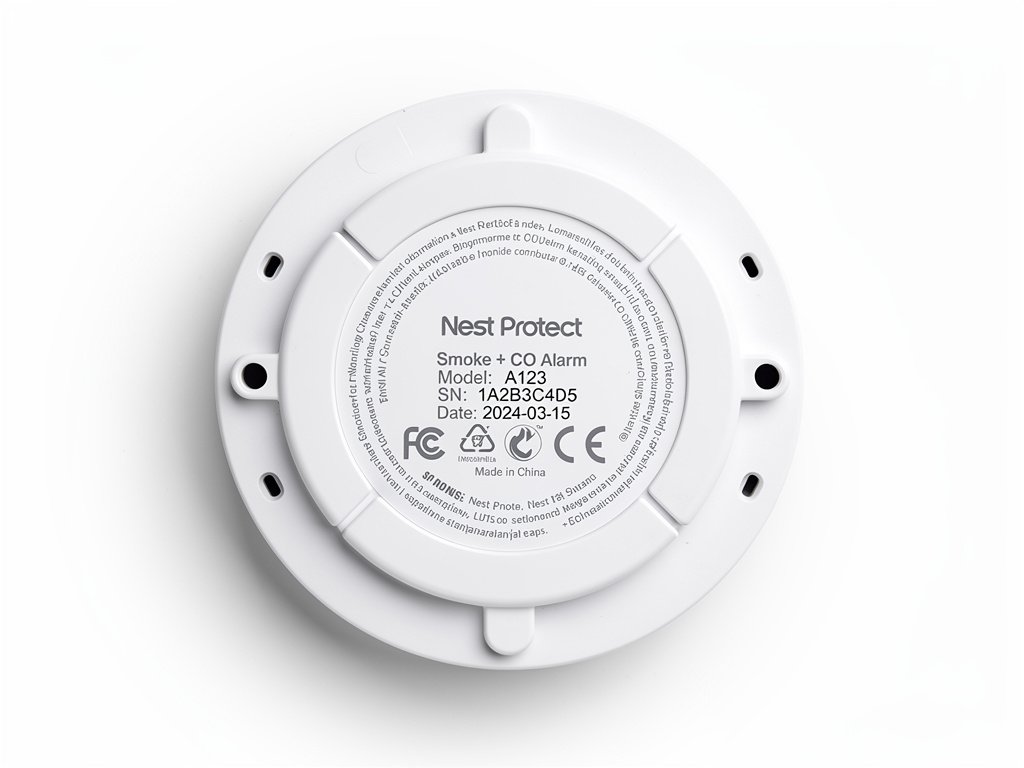
There are three ways to find out when your Nest Protect expires:
Method 1: Check the Nest app (or Google Home app)
Open the Nest or Google Home app on your phone. Navigate to your Nest Protect device. The app displays the expiration date prominently in the device settings. If the expiration is approaching, you’ll see a warning in the app.
Method 2: Look for the Nightly Promise
When you turn off the lights for the night, your Nest Protect gives a brief green glow. That’s “Nightly Promise” — it means everything is fine. But if the glow is yellow instead of green, that’s a heads-up that the unit will expire soon. Press the button on the Nest Protect and it will speak: “Heads-up. Nest Protect will expire in the [room name]. Replace Nest Protect soon.”
If the glow is red, the expiration is imminent or has already passed.
Method 3: Read the physical label
Take the Nest Protect off its mounting plate (twist counterclockwise). On the back, you’ll find a printed label with the manufacture date. Add 10 years to that date to get your expiration date.
The Best Nest Protect Replacements in 2026
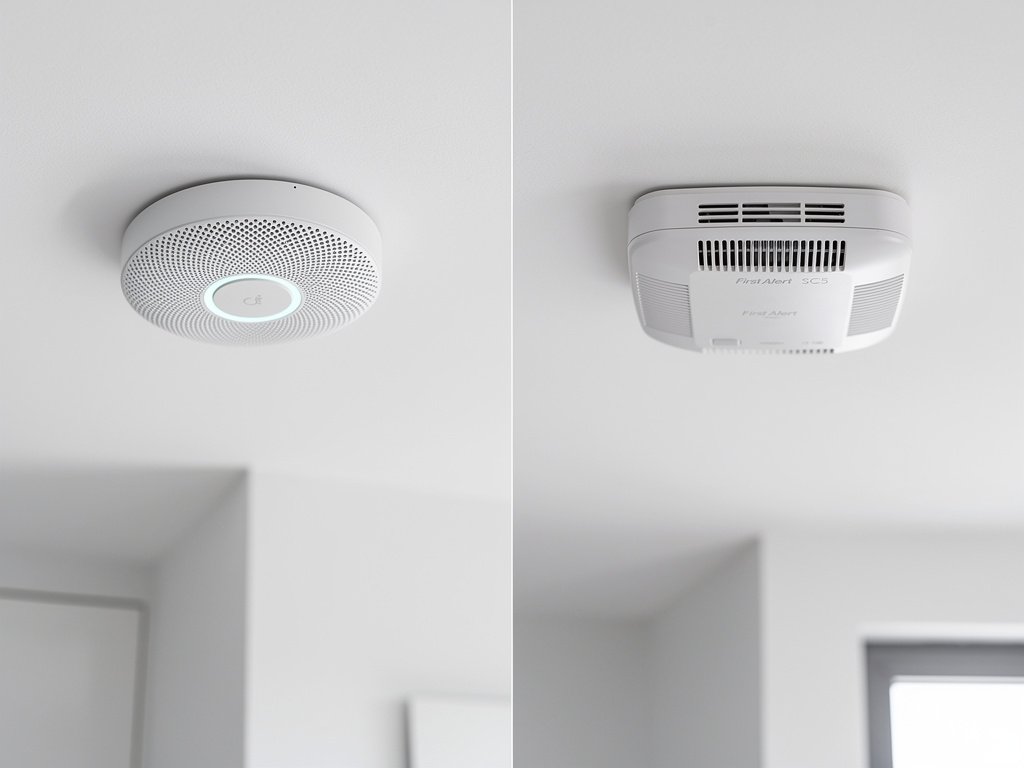
When it is time to replace your Nest Protect, here are the options worth considering.
First Alert SC5 — Google’s Recommended Replacement
Google partnered with First Alert to develop the SC5 as a replacement for the Nest Protect. Google’s own support pages state: “We partnered with First Alert, a trusted brand in fire safety, to offer the First Alert Smart Smoke & Carbon Monoxide Alarm as a compatible replacement for your 2nd gen Nest Protect when used with the Google Home app.”
The SC5 is a smart smoke and CO detector that integrates with the Google Home app, offers phone notifications, and interconnects wirelessly with existing Nest Protect units — so you can replace expired units one at a time.
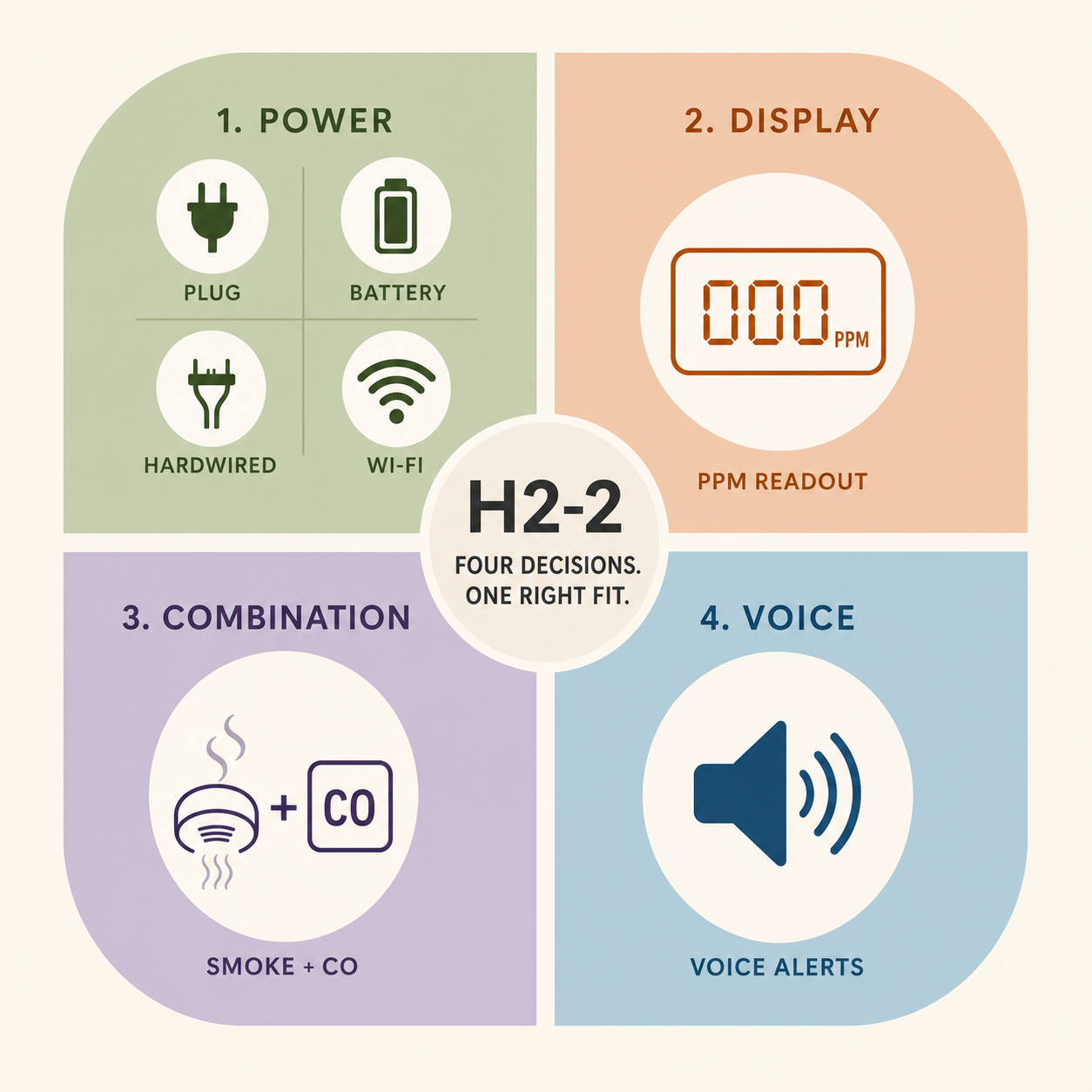
Six CR123A batteries, voice alerts, wireless interconnect up to 18 units, and Google Home integration — the direct successor that interoperates with your remaining Nest Protects.
Check price on Amazon Price & availability shown on Amazon.com — we may earn a commission.Key features:
- Six CR123A lithium batteries (replaceable, ~3–5 year battery life per First Alert)
- Works with the Google Home app
- Voice alerts (speaks the room name and danger type)
- Interconnects with other compatible First Alert alarms
- Supports Alexa and Google Assistant
The SC5 isn’t a direct Nest Protect clone. It lacks the Nest’s Split Spectrum sensor (which used two wavelengths of light for detection), the path light feature (the soft glow when you walk under it at night), and the Nightly Promise confirmation glow. But it covers the essentials — phone alerts, voice warnings, and smart home integration — and it’s available right now.
If you want a deeper comparison, see our full First Alert SC5 vs Nest Protect guide that covers every feature difference in detail.
X-Sense Smart Smoke Detectors
X-Sense has built a reputation for affordable, reliable smoke and CO detectors with smart features. Their connected models offer phone alerts, 10-year sealed batteries, and compatibility with their proprietary app. They’re typically priced lower than the First Alert SC5.
The tradeoff: X-Sense’s smart home integration is more limited. They work well within their own ecosystem but don’t integrate as seamlessly with Google Home or Alexa as the SC5 does. If you want basic smart alerts without paying a premium, X-Sense is worth considering.
Other Smart Alternatives
A few other options exist in the smart smoke alarm space:
- Roost Smart Battery: This is a 9V battery with built-in Wi-Fi that turns any compatible smoke detector into a “smart” one. It’s a budget option, but the company has faced some connectivity issues.
- Kidde RemoteLync: Another retrofit option, but Kidde’s smart features are more limited and the company has had recall issues (see our Kidde recall guide for details).
For most Nest Protect owners, the First Alert SC5 is the most straightforward replacement — it works with the Google Home app you’re already using, and it’s the option Google recommends through its support pages.
How to Swap Nest Protect for a New Alarm
If you’ve decided to replace your Nest Protect, here’s the process:
Remove the Nest Protect from your app first. Open the Nest or Google Home app, go to the device settings, and select “Remove device.” This prevents the app from showing a disconnected warning.
Turn off the breaker if your Nest Protect is hardwired (the wired version connects to your home’s electrical system).
Twist the unit counterclockwise to remove it from the mounting plate.
Disconnect the wiring harness if hardwired.
Remove the mounting plate by unscrewing it from the ceiling or wall.
Install the new detector’s mounting plate in the same location. The existing wiring should be compatible with any hardwired detector — the standard three-wire setup (hot, neutral, interconnect) is universal.
Connect the wiring harness to the new detector.
Mount the new detector and turn the breaker back on.
Pair the new detector with its app (Google Home for First Alert SC5, or the manufacturer’s app for other brands).
Test the new detector by pressing the test button. For interconnected systems, verify that all connected alarms sound together.
What You Lose When You Switch From Nest Protect
The Nest Protect had some genuinely nice features that no current replacement fully replicates. Here’s what you might miss:
- Split Spectrum sensor: The Nest Protect used two wavelengths of light to detect both fast-flaming and slow-smoldering fires. Most replacements use a single photoelectric sensor.
- Path light: A soft glow that turned on when you walked under it at night — a genuinely useful feature for hallways and staircases.
- Self-test silence: Nest Protect tested itself silently. Most detectors test with an audible chirp or horn.
- Design: The Nest Protect looked better than most smoke detectors. If aesthetics matter to you, the First Alert SC5 is the closest in style.
- Nest app integration: While the SC5 works with Google Home, the Nest app offered more detailed history and notifications.
That said, the First Alert SC5 adds things the Nest Protect didn’t have — primarily, compatibility with other First Alert and BRK-brand alarms (up to 18 units can interconnect wirelessly), and active manufacturer support with firmware updates.
Can You Still Buy Nest Protect?
You can still find Nest Protect units for sale from third-party sellers on Amazon, eBay, and some retailers with remaining stock. But we don’t recommend buying one in 2026.
Here’s why: even if you find a “new” unit, it may have been sitting in a warehouse for a year or more. Remember, the 10-year clock starts at the manufacture date, not when you buy it. A Nest Protect manufactured in 2023 would expire in 2033, which gives you less time than you might expect. And since production has ended, finding replacement units in the future is only going to get harder.
If your Nest Protect hasn’t expired yet and is working normally, there’s no safety reason to replace it today. But when it does expire — or if you’re setting up a new home — the First Alert SC5 is the most practical replacement.
FAQ
Will my Nest Protect stop working because it’s discontinued? No. Discontinued means Google stopped making new ones — not that existing units stop working. Your Nest Protect will continue to function normally until its 10-year expiration date. The app will continue to receive notifications.
Is the First Alert SC5 really as good as the Nest Protect? For core safety features (smoke detection, CO detection, phone alerts, voice warnings), yes. The SC5 is UL listed and meets all the same safety standards. It lacks some Nest features like the path light and Split Spectrum sensor. For a detailed comparison, see our SC5 vs Nest Protect guide.
What if I have multiple Nest Protects — do they all expire at the same time? Not necessarily. Each unit has its own manufacture date. Check each one individually in the app. If you bought them as a set, they were likely manufactured around the same time, but verify each one.
Is it safe to buy a used Nest Protect? We don’t recommend it. You have no way to verify how old a used unit is, and the 10-year expiration is based on the manufacture date — not how long it’s been installed. A used Nest Protect might already be near expiration.
Does the Google Home app still support Nest Protect? Yes, as of 2026, Google continues to support Nest Protect in the Google Home app. Notifications, alarms, and self-tests all still work.
Bottom Line
The Nest Protect was ahead of its time — a smart smoke detector that actually made people want to install one. Its discontinuation is a loss, but it’s not an emergency. Your existing units are safe to use until they expire. When it’s time to replace them, the First Alert SC5 is the most logical successor, especially if you’re already in the Google Home ecosystem.
The most important thing you can do right now: check your Nest Protect’s expiration date. Open the app, look at the expiration, and set a calendar reminder. Don’t wait until it starts chirping at 2 a.m. to figure out what to do. And if you have multiple Nest Protects, check each one individually — they may have been manufactured months apart, meaning different expiration dates. Replace the oldest one first, and plan a timeline for the others.
If you’re still deciding whether to buy a Nest Protect from a third-party seller, read our smart smoke alarm guide first — it covers whether smart detectors are worth the premium in 2026.