If the alarm is loud and repeating, or you cannot tell whether it is an active CO alarm, get everyone outside to fresh air and call emergency services from outside. The CPSC says not to search for the source before leaving and not to re-enter until responders say it is safe.
What “5 Beeps” Means by Manufacturer
The meaning of five beeps depends entirely on the manufacturer and model. Here is what verified manufacturer documentation says:
First Alert and BRK Models
According to First Alert’s specification sheet for the SC5 Smart Smoke & Carbon Monoxide Alarm, the end-of-life signal is defined as 5 chirps every minute. This signal means the unit has reached the end of its 10-year certified sensor life and must be replaced.
On other First Alert and BRK combination smoke/CO models, the end-of-life signal may also be 5 chirps, but always verify against your specific model’s manual. First Alert manuals are available at firstalert.com.
Kidde Models
Kidde’s CO alarm support documentation describes different patterns for different conditions. On many Kidde combination smoke/CO alarms, the end-of-life warning is a chirp every 30 seconds accompanied by a red LED flash, not specifically five beeps. However, some Kidde models do use different patterns. Check Kidde’s support page and your model manual for the exact pattern.
Nest Protect
Nest Protect does not use a five-beep pattern. When a Nest Protect reaches end of life, it chirps once per minute and announces “Nest Protect has expired. Replace Nest Protect.” The Google Home or Nest app also displays the expiration date.
Other Brands
For brands not listed above—including Universal Security Instruments, USI, X-Sense, and others—always check the manufacturer’s documentation. Patterns vary widely and are not standardized across the industry.
What to Do After the Immediate Safety Step
Once you have confirmed with emergency responders or the product documentation that the unit is not issuing a CO alarm:
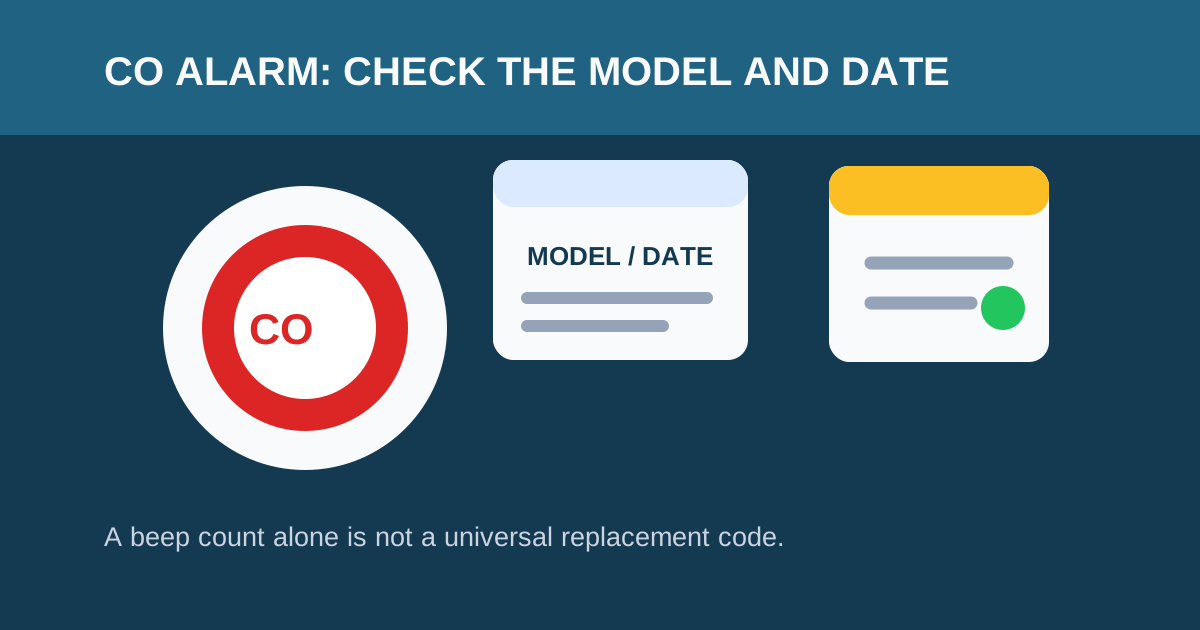
Find the model number. Look on the back or side of the detector. The model number is typically printed on a label along with the manufacture date and UL listing number.
Look up the current manual. Search for the manufacturer name and model number online, or visit the manufacturer’s support page. Most manufacturers provide free PDF manuals for current and discontinued models.
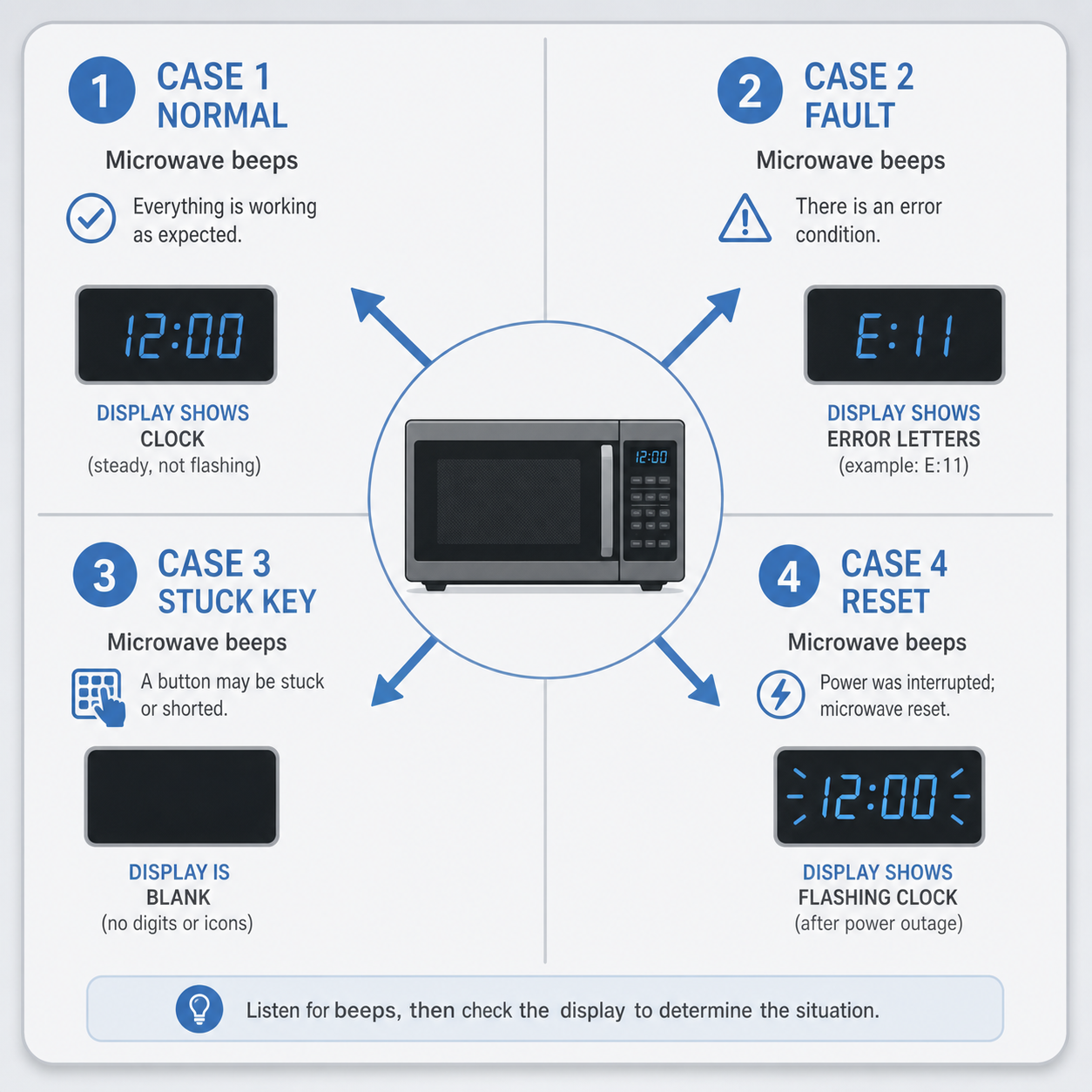
Match the sound pattern. Compare what you are hearing to the patterns described in the manual. Note any indicator lights, display messages, or voice announcements that accompany the sound.
Check the manufacture date. CO sensors have a certified life of 5–10 years depending on the model. If the unit is past its stated replacement age, the pattern is almost certainly an end-of-life signal regardless of the beep count.
Replace the unit if needed. If the manual identifies the pattern as end of life or a non-serviceable fault, replace the entire unit. You cannot extend a CO sensor’s life by replacing the battery.
How to Tell End-of-Life From Low Battery
The most common confusion is between end-of-life chirps and low-battery chirps. Here is how to tell them apart:
| Signal | Typical Pattern | What to Do |
|---|---|---|
| Low battery | 1 chirp every 30–60 seconds | Replace the battery (if replaceable) |
| End of life | Varies by model — often 5 chirps/min or chirp every 30 sec | Replace the entire detector |
| CO alarm | 4 loud beeps, repeating | Evacuate immediately, call 9-1-1 |
| Malfunction | 3 chirps (some models) | Replace the detector |
Quick test: If you replace the battery and the chirping stops, it was a low-battery warning. If the chirping continues after a battery replacement, it is likely end of life or a malfunction — replace the detector.
Do Not Disable a Safety Device
Do not pull a battery, unplug a unit, or cover the speaker and leave the home without CO protection. If a correct fresh battery and the manufacturer-approved procedure do not resolve a documented maintenance signal, replace the unit or contact the manufacturer.
A test button checks basic circuitry — it does not test whether the CO sensor can accurately detect carbon monoxide. The CPSC warns that an expired or faulty CO sensor may still sound during a test but fail to detect dangerous CO levels in an actual emergency.
When to Replace Your CO Detector
All CO detectors must be replaced after a certified period from the manufacture date (not the installation date):
- Combination smoke/CO detectors: Typically 10 years (per UL 217 and UL 2034)
- CO-only detectors: Typically 7–10 years (varies by model and sensor type)
- Smart CO detectors: 10 years (but electronics may fail sooner)
Check the manufacture date printed on the back of the unit. If no date is visible, and you cannot determine the age, replace the unit. For detailed guidance, see our CO detector replacement guide.
FAQ
Does five beeps always mean a CO detector is expired?
No. A beep count alone is not a universal end-of-life code. On First Alert SC5 models, 5 chirps per minute is the documented end-of-life signal. On Kidde models, end-of-life may be a different pattern. Always check the exact model manual and any display or light on the unit.
Can I reset the alarm to clear five beeps?
Use only the reset steps published for your model and only after you have ruled out an active CO alarm. A reset cannot restore an expired or faulty sensor. If the pattern returns after a reset, replace the detector.
My CO detector is chirping five times and then stopping. Is that dangerous?
Any repeating pattern from a CO detector needs attention. First, verify it is not an active CO alarm (4 loud, repeating beeps). If the sound is a chirp rather than a full alarm, check the model manual for what the specific pattern means. If the unit is past its replacement age, replace it.
I replaced the battery but the five beeps continue. What now?
If a fresh battery does not stop the pattern, the unit is likely signaling end of life or a sensor malfunction. Check the manufacture date — if the unit is more than 7–10 years old, replace it. Do not keep using a detector that chirps after a battery replacement without verifying the cause.
Where can I find my CO detector model number?
The model number is printed on a label on the back or side of the detector. You may need to twist the detector off its mounting bracket to see it. The label also typically includes the manufacture date, UL listing number, and serial number.
Sources
- U.S. Consumer Product Safety Commission: Carbon Monoxide Questions and Answers
- First Alert SC5 Specification Sheet (official)
- Kidde: Why Is My Carbon Monoxide Alarm Beeping or Chirping?
- Google Support: Replace Your Nest Protect After Expiration
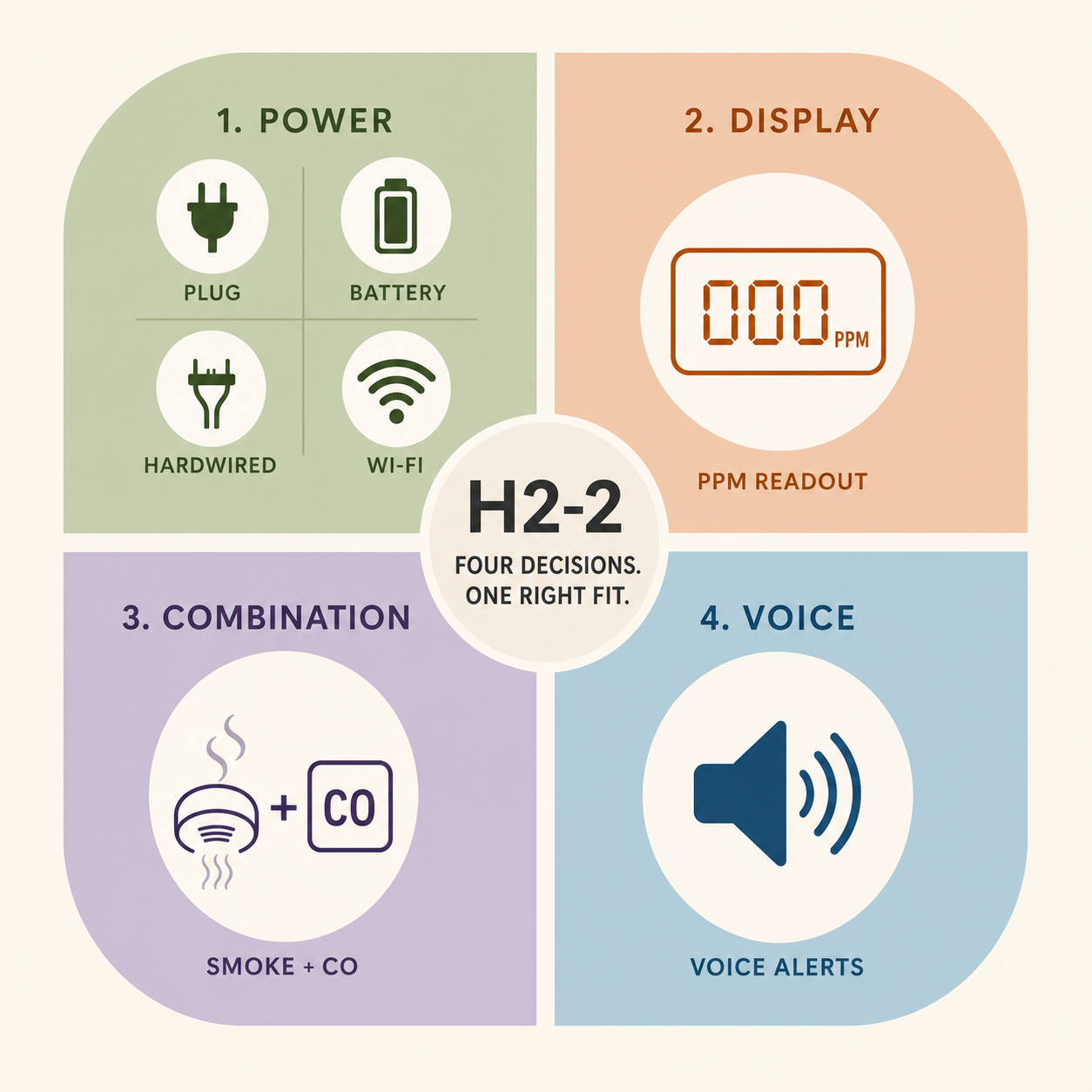
Five beeps means the sensor is done — not the batteries. This plug-in Nighthawk with digital display and battery backup is the drop-in most households choose when replacing an end-of-life unit.
Check price on Amazon Price & availability shown on Amazon.com — we may earn a commission.